> ## Documentation Index
> Fetch the complete documentation index at: https://docs.valuez.ai/llms.txt
> Use this file to discover all available pages before exploring further.
# Authentication
> How to log in to your Valuez AI workspace and authenticate API requests.
Valuez AI uses two types of authentication depending on how you're accessing the platform — the **Dashboard** for no-code management, and the **API** for programmatic access.
***
## Dashboard Login
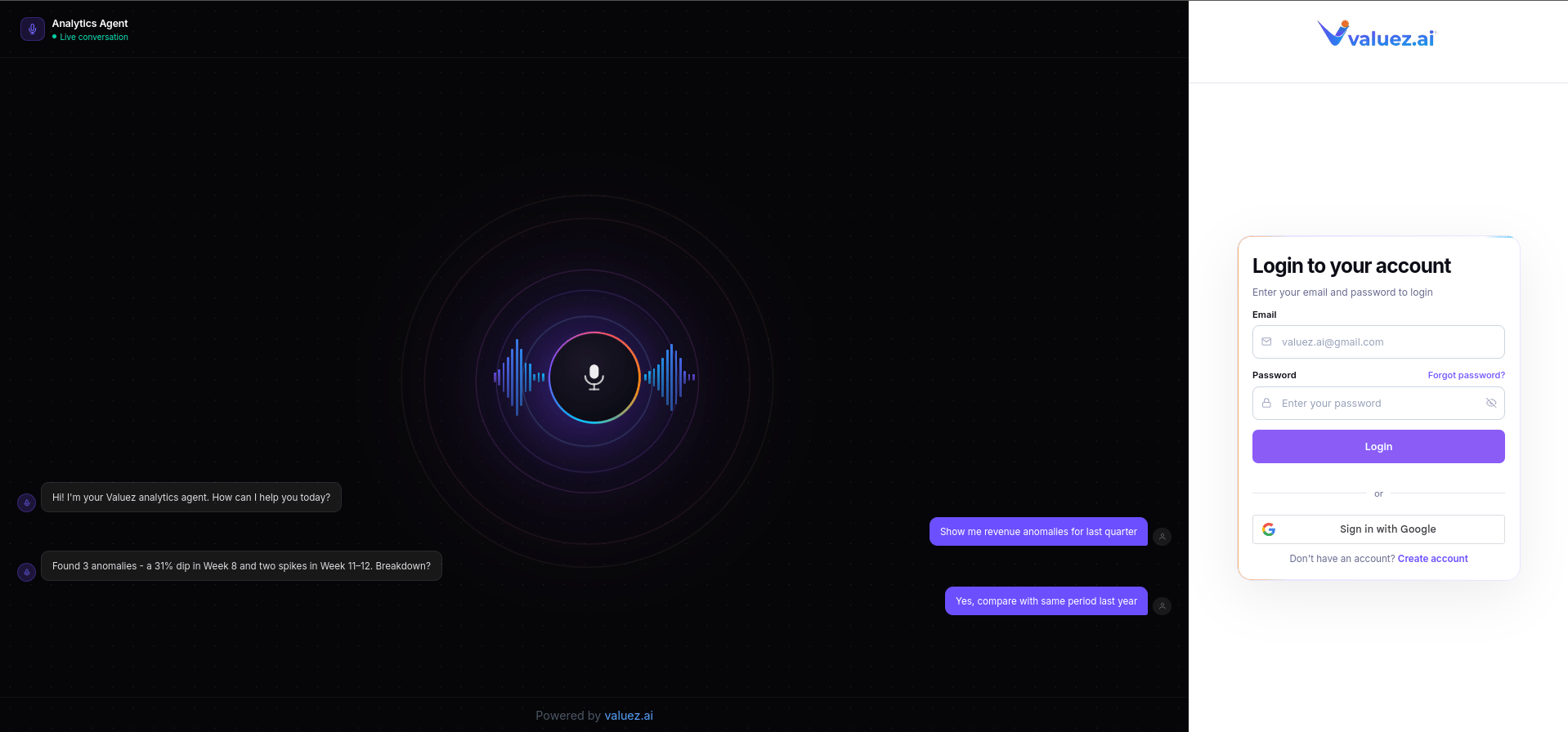
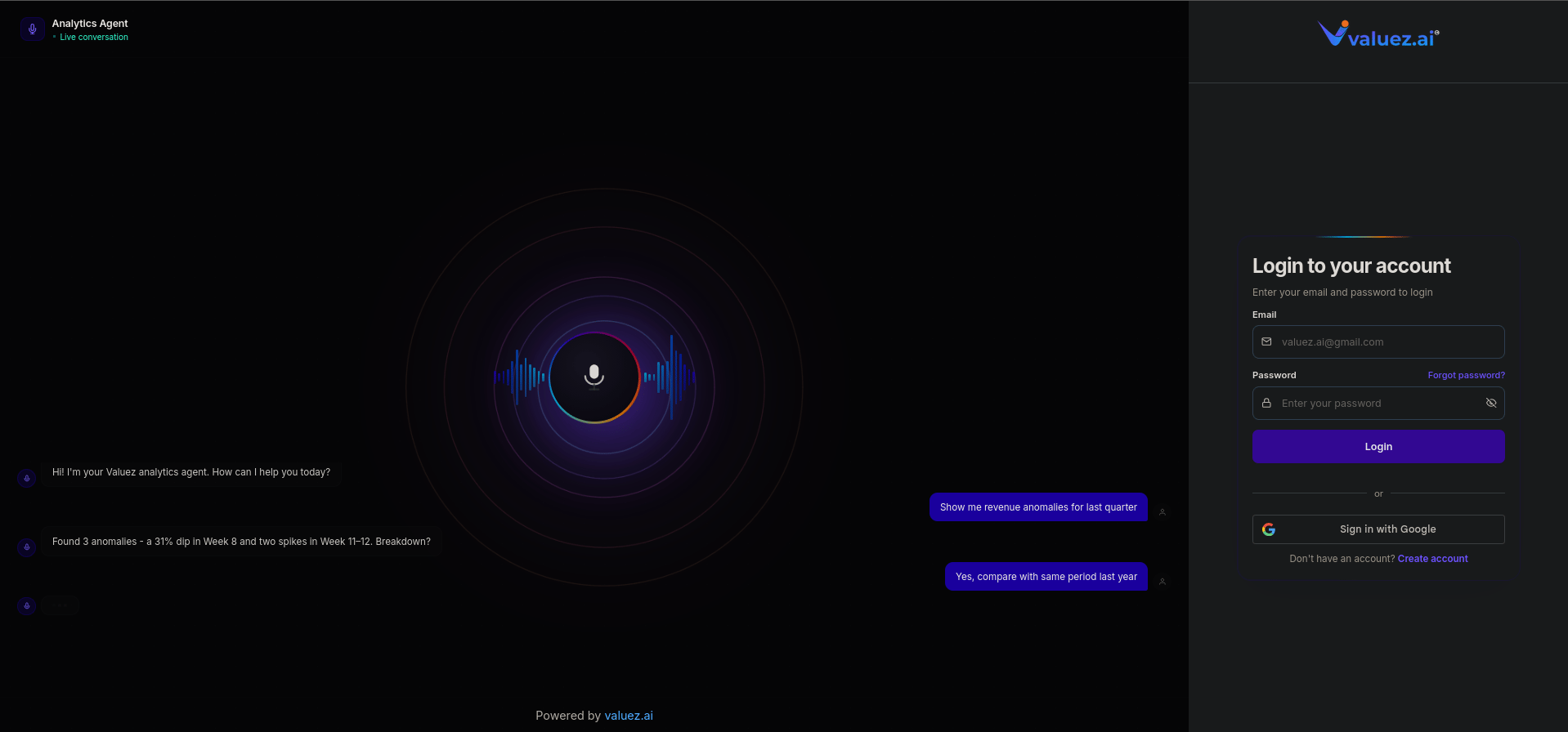
The Valuez AI dashboard is available at [app.valuez.ai](https://app.valuez.ai).
Visit [app.valuez.ai](https://app.valuez.ai) in your browser.
Enter the email address and password you registered with. If you signed up via Google or another provider, use that option instead.
After login you'll land on your main dashboard where you can manage agents, calls, contacts, and settings.
 ***
## Workspace Security
Your Valuez AI workspace includes the following security features:
| Feature | Details |
| ----------------------- | ---------------------------------------------------------------------------- |
| **Secure Login** | All sessions run over HTTPS with encrypted connections |
| **Password Protection** | Passwords are hashed and never stored in plain text |
| **Session Security** | Sessions expire automatically after a period of inactivity |
| **Workspace Access** | Each workspace is isolated - team members only see what they're permitted to |
| **Role-Based Access** | Admins can assign roles to control what each team member can view or edit |
***
## API Authentication
All Valuez AI API requests are authenticated using an **API key** passed in the request header:
```bash theme={null}
Authorization: Bearer YOUR_API_KEY
```
### Example Authenticated Request
```bash cURL theme={null}
curl "https://api.valuez.ai/v1/agents" \
-H "Authorization: Bearer YOUR_API_KEY"
```
```python Python theme={null}
import requests
response = requests.get(
"https://api.valuez.ai/v1/agents",
headers={"Authorization": "Bearer YOUR_API_KEY"}
)
print(response.json())
```
```javascript Node.js theme={null}
const response = await fetch("https://api.valuez.ai/v1/agents", {
headers: {
"Authorization": "Bearer YOUR_API_KEY"
}
});
const data = await response.json();
console.log(data);
```
To generate your API key, see [API Keys](/api-keys).
***
## Security Best Practices
API keys must only be used server-side. Never include them in JavaScript that runs in a browser - they can be extracted and misused.
Store keys in environment variables, not hardcoded in your codebase:
```bash theme={null}
export VALUEZ_API_KEY="your-key-here"
```
Use a separate key for each system - CRM, automation tool, production app. If one is compromised, you revoke only that key without breaking everything else.
Regularly audit your API Keys list and revoke any keys that are no longer in use.
If you suspect your API key has been exposed, go to **Settings → API Keys** in your dashboard and regenerate it immediately.
***
## Next Steps
Generate and manage API keys from your dashboard settings.
Understand every section of your Valuez AI dashboard.
Build your first AI voice agent from the dashboard or via API.
Connect Valuez AI with your CRM, calendar, and other tools.
***
## Workspace Security
Your Valuez AI workspace includes the following security features:
| Feature | Details |
| ----------------------- | ---------------------------------------------------------------------------- |
| **Secure Login** | All sessions run over HTTPS with encrypted connections |
| **Password Protection** | Passwords are hashed and never stored in plain text |
| **Session Security** | Sessions expire automatically after a period of inactivity |
| **Workspace Access** | Each workspace is isolated - team members only see what they're permitted to |
| **Role-Based Access** | Admins can assign roles to control what each team member can view or edit |
***
## API Authentication
All Valuez AI API requests are authenticated using an **API key** passed in the request header:
```bash theme={null}
Authorization: Bearer YOUR_API_KEY
```
### Example Authenticated Request
```bash cURL theme={null}
curl "https://api.valuez.ai/v1/agents" \
-H "Authorization: Bearer YOUR_API_KEY"
```
```python Python theme={null}
import requests
response = requests.get(
"https://api.valuez.ai/v1/agents",
headers={"Authorization": "Bearer YOUR_API_KEY"}
)
print(response.json())
```
```javascript Node.js theme={null}
const response = await fetch("https://api.valuez.ai/v1/agents", {
headers: {
"Authorization": "Bearer YOUR_API_KEY"
}
});
const data = await response.json();
console.log(data);
```
To generate your API key, see [API Keys](/api-keys).
***
## Security Best Practices
API keys must only be used server-side. Never include them in JavaScript that runs in a browser - they can be extracted and misused.
Store keys in environment variables, not hardcoded in your codebase:
```bash theme={null}
export VALUEZ_API_KEY="your-key-here"
```
Use a separate key for each system - CRM, automation tool, production app. If one is compromised, you revoke only that key without breaking everything else.
Regularly audit your API Keys list and revoke any keys that are no longer in use.
If you suspect your API key has been exposed, go to **Settings → API Keys** in your dashboard and regenerate it immediately.
***
## Next Steps
Generate and manage API keys from your dashboard settings.
Understand every section of your Valuez AI dashboard.
Build your first AI voice agent from the dashboard or via API.
Connect Valuez AI with your CRM, calendar, and other tools.